Designer DTF Transfers
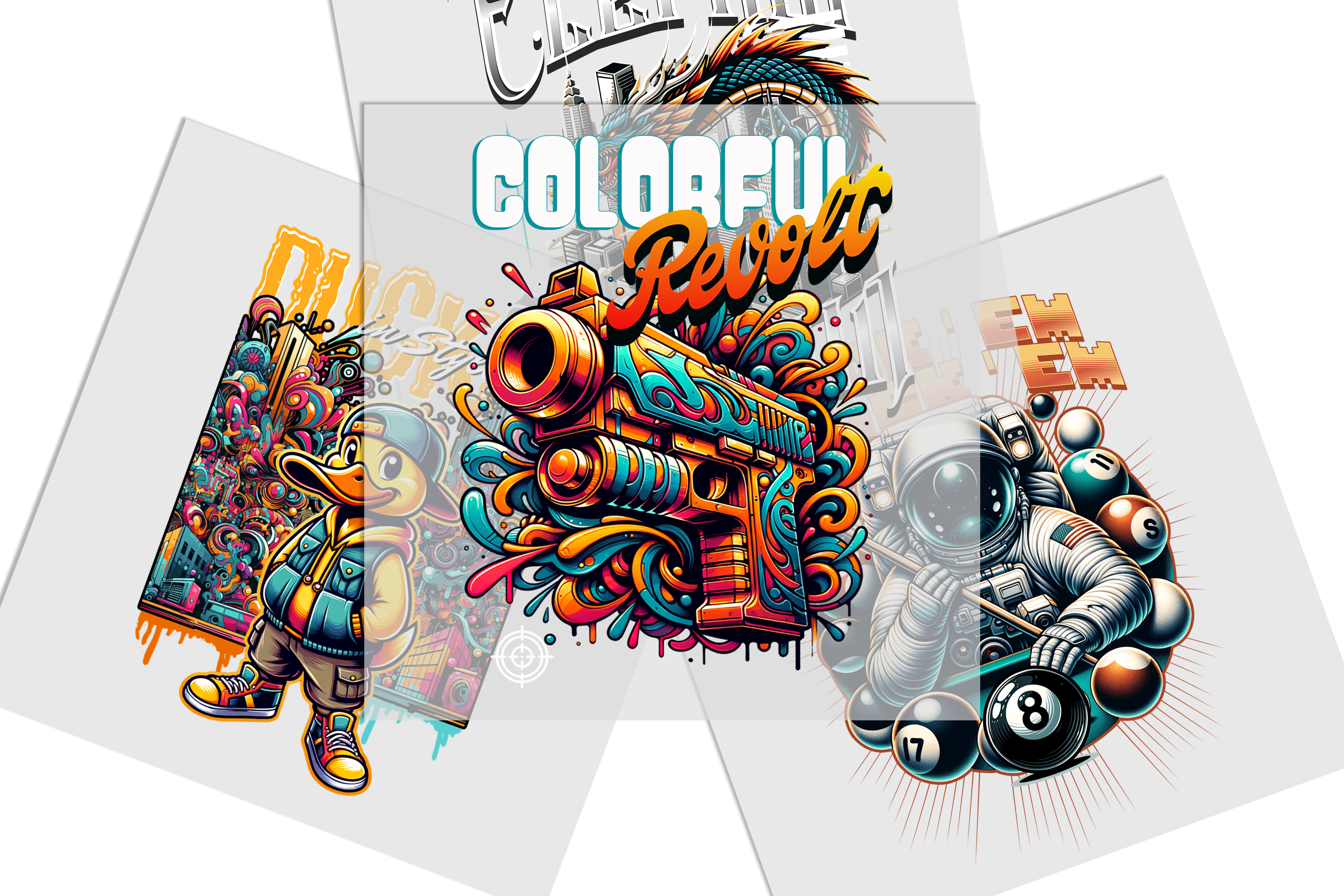


Designer DTF Transfers give apparel brands, designers, print shops, businesses, and independent creators a flexible way to turn custom artwork into transfers for apparel printing. From detailed illustrations and brand graphics to typography, logos, and colorful artwork, designer DTF transfers help organize creative ideas into a practical heat-transfer workflow for custom clothing and merchandise projects.
Custom Designer DTF Transfers for Creative Artwork
Creative apparel projects often require more than a simple logo or one-color graphic. A designer may be working with layered artwork, detailed illustrations, multiple colors, typography, branded elements, or a complete visual concept. Custom designer DTF transfers provide a practical option for preparing these graphics for garment applications while keeping the original design concept at the center of the production process.
This makes DTF transfers useful for clothing brands, freelance designers, artists, print businesses, event organizers, and creators developing custom merchandise. A single project might include front graphics, back designs, small branding elements, promotional artwork, or several different designs created for the same collection. Organizing these files before production helps create a clearer workflow and reduces confusion between artwork versions.
DTF Transfers for Apparel Designers and Brands
Designer DTF printing can support a wide range of custom apparel projects. Designers may prepare transfers for branded T-shirts, promotional clothing, event merchandise, team apparel, creator merchandise, limited collections, or custom products developed for clients. Print shops may also work with designer-created files when producing apparel for businesses, organizations, or individual customers.
The most important step is preparing the correct artwork before production. Designers should review the final file, confirm the intended dimensions, check text and graphic details, and clearly separate approved artwork from older versions. When several designs are involved, consistent file naming and version control can make the production process easier to manage.
Prepare Print-Ready Designer Artwork
A well-organized design workflow starts before the transfer is produced. Artwork should be reviewed for visual accuracy, correct sizing, final text, and the intended layout. If a design exists in multiple versions, the final approved version should be clearly identified before submission.
This step is especially important for brands and designers managing recurring projects. A clothing brand may reuse a core logo across several products while changing seasonal artwork, colors, or supporting graphics. A designer working with multiple clients may need to keep each project separated and accurately labeled. Clear artwork organization helps reduce production mistakes and makes future repeat projects easier to manage.
Create Custom Apparel With Designer DTF Transfers
Chili Transfers supports customers preparing custom artwork for apparel transfer projects, from individual graphics to larger groups of designs. Designer DTF Transfers can help transform digital artwork into a more structured custom apparel workflow for designers, brands, businesses, print shops, and creators.
Whether you are developing original merchandise, preparing branded apparel, producing graphics for a client, or building a new clothing collection, designer DTF transfers provide a practical connection between the creative design stage and the apparel production process. Review your final artwork, organize each design carefully, and prepare the correct files before moving your custom transfer project into production.